AI Google Ads Connector

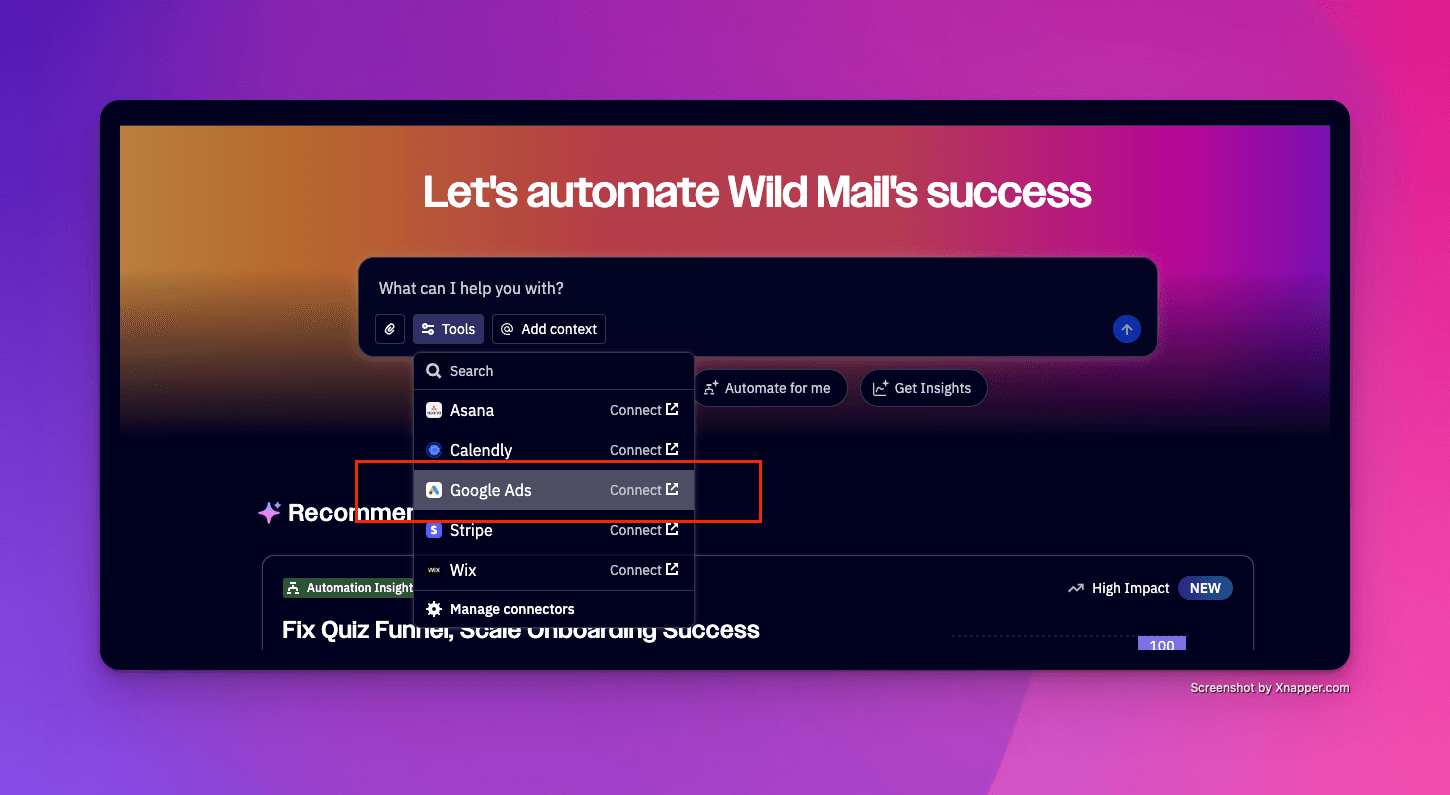
Active Intelligence can now connect directly to your Google Ads account, bringing your paid search and your marketing automation into one AI-powered workspace. Whether you're new to Google Ads or already running campaigns, you can manage, create, and optimize your ads without ever leaving ActiveCampaign.
Key Features
Connect or create a Google Ads account — link an existing account or let Active Intelligence guide you through setting up a brand new one, step by step
Build Performance Max (PMax) campaigns — create AI-powered, cross-channel campaigns that serve ads across Search, YouTube, Display, Gmail, Discover, and Maps from a single prompt
Manage audiences — create new Google Ads audiences and add or remove contacts from audience lists directly through Active Intelligence
Access campaign performance metrics — pull your Google Ads performance data into your Active Intelligence workspace
Upload content from your Content Manager — use existing brand assets directly in your Google Ads campaigns
Trigger automations from Google Lead Forms — automatically kick off follow-up sequences when a lead form is submitted
Key benefits
One workspace, less switching — manage email, CRM, and paid ads from the same platform, without jumping between tools
Faster campaign setup — Active Intelligence asks the right questions and handles the technical setup, so you can go from idea to live campaign much faster
AI does the heavy lifting — PMax campaigns use Google's AI to automatically optimize bids, placements, and creative across channels within your budget
Brand consistency built in — Active Intelligence references your Brand Kit when building campaigns, keeping your messaging and visuals on point
If you want to read more about this feature, click here.